


The HTML view allows users to develop more advanced contents by writing html markups directly in the editor. Unique to WebTextEditor, the HTML view displays its own toolbar that contains html-specific and codes writing related commands, minimizing the code-writing efforts.
For instances, click on "bold" command will add <b> tag to the current cursor position, type some text and then click on "close tags" to automatically add the closing </b> tag.
After changes have been made in HTML view, WebTextEditor automatically synchronizes the changes when you switch to Design or other views.
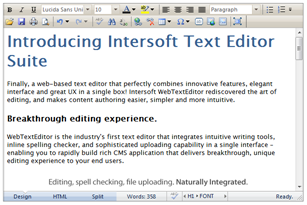 Design view provides rich, WYSIWYG content authoring capabilities |
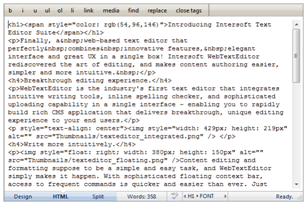 HTML view allows markup editing, suitable for advanced content developer |
 See Also
Other Resources
{Rich Design View}
Intuitive Split View
Preview